The 2026 AI Starter Kit: 5 Free Tools to Kickstart Your Child’s Learning Journey
Feeling overwhelmed by AI apps? Here’s a hand-picked, free starter kit of safe, adaptive tools that help children learn, create, and explore with confidence.

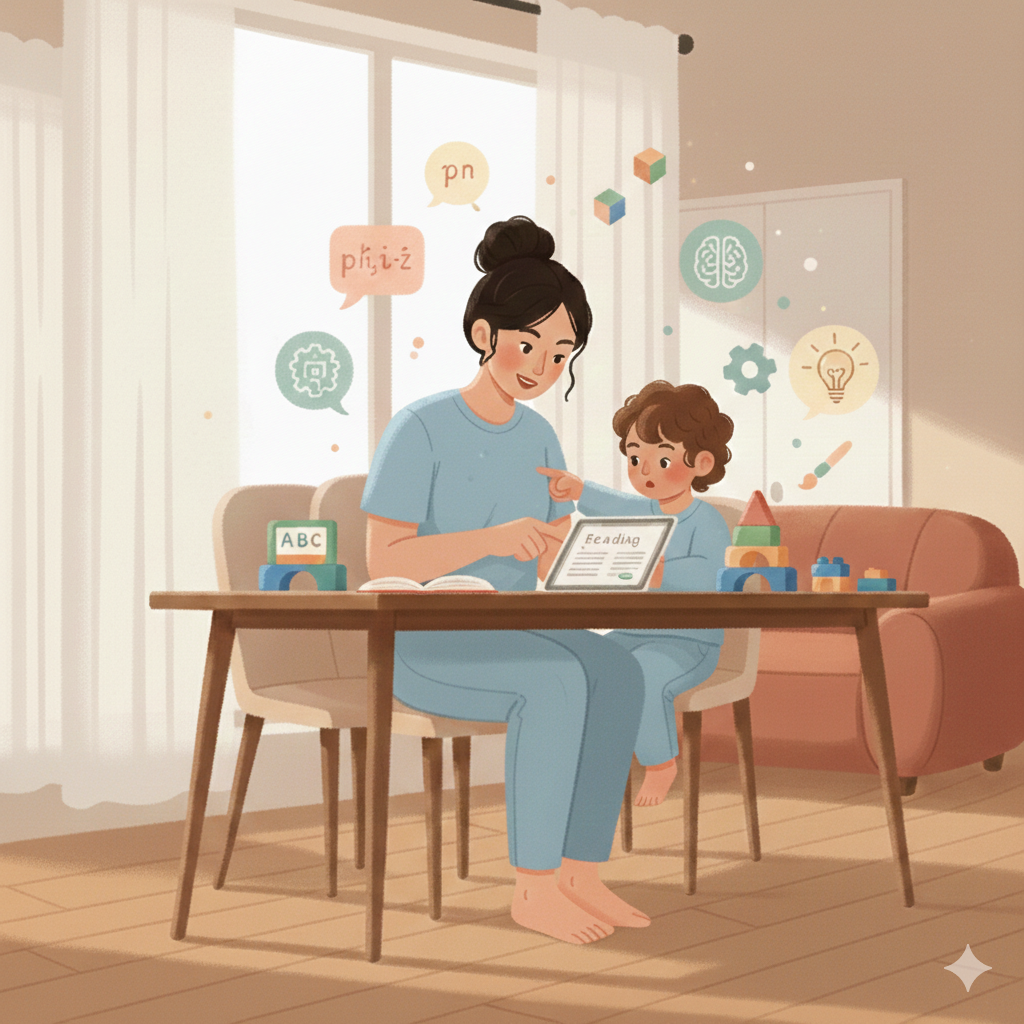
Here is a question every parent is asking right now, in some form:
"I know AI is important for my child's future. But where do I actually start?"
It is a completely reasonable question. And the answer is not obvious — because the AI tools landscape in 2026 is enormous, noisy, and full of products that range from genuinely transformative to cleverly marketed nonsense.
Every week, new apps appear in the App Store promising personalized learning, adaptive curriculum, and AI-powered education breakthroughs. Most of them cost money. Many collect more data than they should. Some are impressive demos with thin educational value underneath. And almost none of them come with a clear guide for parents who just want to do right by their kids without spending hours researching technology.
This guide exists to solve that problem.
The five tools in this starter kit share four qualities that we consider non-negotiable for families just beginning their AI learning journey: they are free or have a genuinely useful free tier, they have been designed with children's privacy and wellbeing in mind, they have real educational value that isn't just window dressing, and they work — meaning real families use them and real children learn from them.
We've also included something the original listicle couldn't: context. Not just what each tool does, but why it works, what to watch for, how to use it most effectively, and what your child is actually building when they engage with it.
Before You Start: The One Question That Changes Everything
Before we get to the tools, there's a frame worth carrying into every AI tool you introduce to your child — now and in the future.
Most parents ask: "Is this tool educational?"
That's a reasonable question. But it's not the most important one. The most important question is:
Keep that question in your back pocket. It will serve you well every time a new "revolutionary AI learning app" appears in your social feed.
1. Khan Academy Kids | Ages 2–8
Some tools earn the label "gold standard" through marketing. Khan Academy Kids earned it through a decade of research, iteration, and an unwavering commitment to a model that most ed-tech companies quietly abandon when it stops being profitable: completely free, completely ad-free, forever.
Khan Academy Kids covers foundational reading, early math, social-emotional learning, and basic science through a combination of animated stories, interactive activities, and guided practice. But what makes it genuinely different from a digital workbook is the adaptive engine underneath.
The app observes your child constantly — not in a surveillance sense, but in a learning sense. It tracks which concepts they grasp quickly and which ones they return to repeatedly. It adjusts the difficulty of new content in real time based on what it knows about where your child is. A child who breezes through addition gets more complex problems. A child who struggles with letter recognition gets more practice at that level before moving forward.
This matters because it solves one of the fundamental problems with traditional educational media: content designed for the average child is wrong for almost every individual child. It's too easy for some and too hard for others. Khan Academy Kids' adaptive path means the experience is calibrated to your specific child — not a demographic average.
2. Google Read Along | Ages 5–9
Reading aloud is one of the most important skills a young child can develop — and one of the most difficult for parents to support consistently. Most working parents cannot sit beside their child for 30 minutes of read-aloud practice every day. And most children, when reading alone, will skip over words they don't know rather than stop and wrestle with them.
Google Read Along solves both of these problems with a deceptively simple approach: it listens.
Using Google's speech recognition technology, the app follows along as your child reads a story aloud. It knows which word they're on. It knows when they pause. And when a child gets stuck on a word — when they stumble, fall silent, or skip — a friendly AI assistant named Diya gently intervenes. Not by giving the word immediately, but by offering a phonetic hint, encouraging the child to try again, and celebrating when they get it.
That sequence — struggle, hint, attempt, success — is exactly how reading confidence is built. The child who fights through a difficult word and gets it right remembers it. The child who skips it doesn't. Diya makes sure more words get fought through and fewer get skipped.
The app includes a growing library of stories at different reading levels, and it tracks progress over time — showing parents and children how fluency and comprehension are developing week by week.
3. Scratch with AI Extensions | Ages 8–12
There is a meaningful difference between a child who uses AI and a child who understands AI. The first can operate tools. The second can evaluate them, question them, improve them, and eventually build new ones.
Scratch — the free, browser-based programming platform developed by MIT's Media Lab — is the most accessible path from the first kind of child to the second. It has been teaching children the logic of programming for nearly two decades. And in recent years, it has added something that makes it uniquely valuable in the current AI landscape: AI Blocks.
AI Blocks allow children to train their own simple machine learning models directly within Scratch. Not as a simulation or a metaphor — as a real, functional process. A child can teach a machine learning model to recognize their facial expressions, then build a game that responds to whether they're smiling or frowning. They can train a model to recognize voice commands, then build a program that responds to their words. They can create image classifiers, text analyzers, and gesture-controlled interactive experiences.
What this builds is not just coding skill. It builds AI literacy from the inside out. A child who has trained their own model understands — at a visceral, experiential level — that AI learns from examples, that it can be wrong, that the quality of training data shapes the quality of outputs. These are the conceptual foundations that make everything else in AI literacy possible.
And because Scratch is a community platform, children can share their projects, see what others have built, and remix existing projects to learn new techniques. The social dimension of learning is built in.
4. Brickit | Ages 4+
Everything on this list so far has been screen-based. Brickit earns its place by doing something the others cannot: it makes AI the bridge between the digital world and the physical one.
The premise is simple and genuinely magical. Your child dumps their LEGO bricks on the floor — the unsorted, mixed-up pile that lives in every household with children. They open Brickit and take a photo. The AI scans the image, identifies every individual brick by shape, size, and color, and within seconds generates a list of 10 or more things that can be built with exactly those pieces. Each suggestion comes with step-by-step building instructions.
But Brickit is more than a clever party trick. What it actually does is eliminate the most common barrier between a child and creative LEGO building: the blank page problem. Many children — especially younger ones — want to build something but don't know where to start. Brickit gives them a starting point without giving them a finished product. The AI identifies the materials. The child does the building. The physical, tactile, three-dimensional construction process happens entirely in the child's hands.
This matters developmentally. Spatial reasoning — the ability to visualize and manipulate three-dimensional objects mentally — is one of the strongest predictors of success in STEM fields. It is also one of the skills most at risk of underdevelopment in children who spend most of their creative time on flat screens. Brickit brings the screen into the service of hands-on physical construction rather than replacing it.
5. ChatGPT — The Socratic Partner (For Parents) | For You
This one is for you. Not your child — you.
ChatGPT is not designed for children under 13, and we are not suggesting you hand it to your 8-year-old unsupervised. What we are suggesting is that you use it — actively, intentionally, and with a specific approach that transforms it from a search engine replacement into something considerably more powerful: a thinking partner.
The way most parents use ChatGPT — if they use it at all — is transactional. They ask it a question. It gives an answer. They move on. That is using ChatGPT as a very fast encyclopedia, which is a significant underutilization of what it can actually do.
The Socratic approach is different. Instead of asking for answers, you give ChatGPT context and ask it to help you think. The difference looks like this:
This approach is valuable for the full range of parenting moments where knowledge matters: explaining difficult current events in age-appropriate terms, preparing for a conversation about something your child is struggling with at school, understanding a medical or developmental concern before a doctor's appointment, or simply keeping up with the topics your child is genuinely curious about.
It is also, not coincidentally, exactly the approach we teach children to take with AI in the Orchestrator Mindset framework. When you use AI as a thinking partner rather than an answer machine, you model that behavior for your child. And children who watch parents engage thoughtfully with AI tools develop the same habits — far more reliably than children who are just told to use AI carefully.
The 20-Minute Parent Pilot: Non-Negotiable for Every New Tool
Before your child uses any new AI tool independently, spend 20 minutes using it together first.
This is not a safety audit — though it functions as one. It is not surveillance — though it gives you visibility. It is something simpler and more important: it is you modeling the behavior you want your child to develop.
Children who watch parents approach new technology with curiosity, with questions, and with a willingness to not know something immediately — those children learn that this is how thoughtful people relate to tools. They learn that technology is worth examining, not just accepting. That instinct, planted early, is one of the most protective things you can give a child navigating an AI-saturated world.
During your 20 minutes together, you're looking for specific things:
- Does it require thinking or replace it? Ask the tool a question your child would actually ask. Does it give an immediate complete answer, or does it guide the child toward finding the answer?
- What is the emotional tone? Does the AI feel like a tool or a companion? Tools are fine. Companions warrant more careful monitoring, especially for younger children.
- What data does it ask for? At setup and during use — note anything that feels like more personal information than the learning task requires.
- How does your child respond to it? Are they engaged and active, or passive and receptive? Active engagement means they're learning. Passive reception means the tool might be doing too much.
That is a longer game than most app recommendations play. But it is the right one.
Start with one tool. Use it together. Ask good questions. The rest follows.
Quick Reference: Your 2026 AI Starter Kit at a Glance
- Khan Academy Kids (Ages 2–8): Free, ad-free, adaptive foundational learning. Start here for young children.
- Google Read Along (Ages 5–9): AI reading tutor that listens and guides. Best for building reading confidence.
- Scratch with AI Extensions (Ages 8–12): Build real AI models and learn coding. Best for developing genuine AI literacy.
- Brickit (Ages 4+): AI-powered LEGO idea generator. Best for hands-on spatial and creative development.
- ChatGPT as Socratic Partner (For Parents): Use it to prepare, explain, and think — not just to answer questions.
- The 20-Minute Parent Pilot: Non-negotiable before any new tool goes to independent use.
Related Reading at Toddy Bops AI:
- The 2026 AI Safety Starter Kit: 5 Tools That Protect Before They Teach
- AI for Kids by Age: What's Actually Right at 5, 8, 12, and 15
- The Answer Trap: Why Your Child Needs to Struggle — and How AI Can Make That Harder
- The Orchestrator Mindset: The Most Important Thing You Can Teach Your Child About AI
- Prompting 101: How to Talk to AI So It Actually Helps You