The Weekend AI Playbook: 7 Free Tools for Creative Family Projects
Turn AI into family time. Discover 7 free tools that spark creativity, critical thinking, and collaborative weekend projects — without pressure or overwhelm.

AI doesn’t have to feel overwhelming.
It doesn’t have to feel academic.
And it definitely doesn’t have to feel isolating.
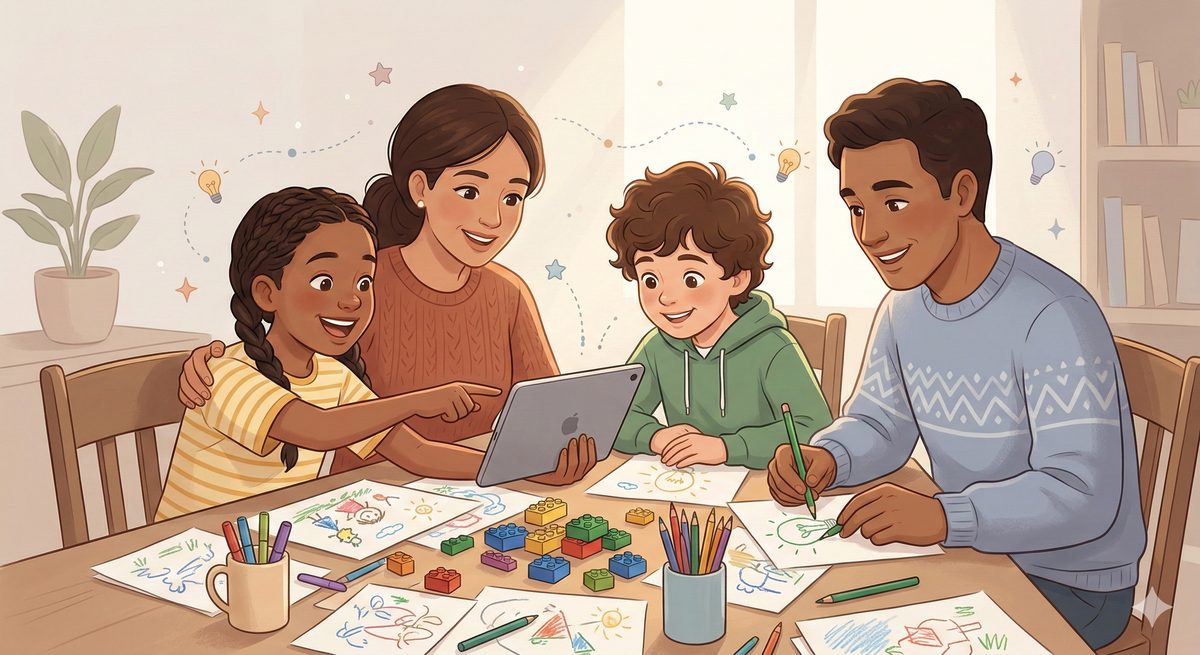
Some of the best AI learning moments happen on a Saturday afternoon — when there’s no homework deadline, no pressure, just curiosity.
If you’ve been wondering how to experiment with AI as a family without turning your living room into a coding lab, this is your starting point.
Here is the Toddy Bops Weekend AI Playbook — seven free tools that spark creativity, conversation, and collaborative learning.
1. ChatGPT “Story Builder Mode”
Instead of asking for answers, try this:
“Let’s build a mystery story together. Ask us one question at a time and wait for our answer before continuing.”
Why it works:
It becomes a storytelling partner — not a content machine.
Best For:
Creative writing, imagination, family bonding.
2. Canva Magic Design (Free Tier)
Upload a photo from your weekend (park day, kitchen baking, LEGO build) and ask Canva’s AI tools to help turn it into:
• A mini family magazine cover
• A digital poster
• A “how we built it” guide
Why it works:
It blends design, storytelling, and digital fluency.
Best For:
Ages 8+ with supervision.
3. Scratch (with AI Extensions)
Use Scratch to build:
• A simple interactive game
• A character that responds to voice
• A mini animation
Why it works:
Kids move from consuming tech to building with it.
Best For:
Ages 8–12.
4. Google Arts & Culture Experiments
Explore AI-generated art experiments, music tools, and interactive creativity labs.
Why it works:
It shows AI as expressive — not just analytical.
Best For:
Family exploration and conversation.
5. Brickit (Screen-to-Floor Creativity)
Take a photo of your LEGO pile and let AI suggest builds based on the pieces you already own.
Why it works:
It connects physical play with AI-powered suggestion.
Best For:
Reducing screen guilt.
6. AI Debate Mode
Try this family prompt:
“We are debating whether school should start later. Ask us questions that help us consider both sides before giving any conclusions.”
Why it works:
Builds critical thinking, perspective-taking, and structured reasoning.
Best For:
Middle school and up.
7. Voice Prompt Exploration
Let your child use the microphone feature in an AI app and speak their curiosity out loud:
“Why do leaves change color?”
“How do airplanes stay in the air?”
Spelling doesn’t matter.
Typing isn’t required.
Why it works:
It lowers the barrier to entry.
Best For:
Emerging readers and verbal learners.
The Weekend Rule: Co-Explore First
Before handing over any AI tool:
Spend 15–20 minutes using it together.
Ask:
• What did it do well?
• What did it get wrong?
• Did it ask us questions — or just give answers?
This protects against the “Answer Trap” we discussed in our guide on preserving critical thinking in an AI world.
AI should support creativity.
Not replace imagination.
The Bigger Picture
The goal of a weekend AI experiment isn’t productivity.
It’s fluency.
Children who grow up seeing AI as:
• A creative assistant
• A thinking partner
• A design tool
will approach the future differently than those who only see it as a shortcut.
And when families explore together, AI becomes less mysterious — and more manageable.
Want More Structure?
If you’re just getting started, begin with:
👉 The 2026 AI Starter Kit
👉 The 60-Second AI Safety Checklist
Because creativity thrives best inside healthy boundaries.